Businesses & team
One weBiller account can run several businesses, each with its own invoices, clients, items, numbering, template, and reports. You switch between them, and each can have its own team.

My businesses
The My businesses page lists everything you belong to, with your role (Owner, Member, or Accountant) and which one is active.
- New business: create another business inline.
- Set active: make a business the one you’re working in. Everything in the app then reflects that business.
Switching businesses
The fastest switch is the business menu in the top bar. It lists every business you belong to, marks the active one, and swaps in a click. No need to visit this page at all.
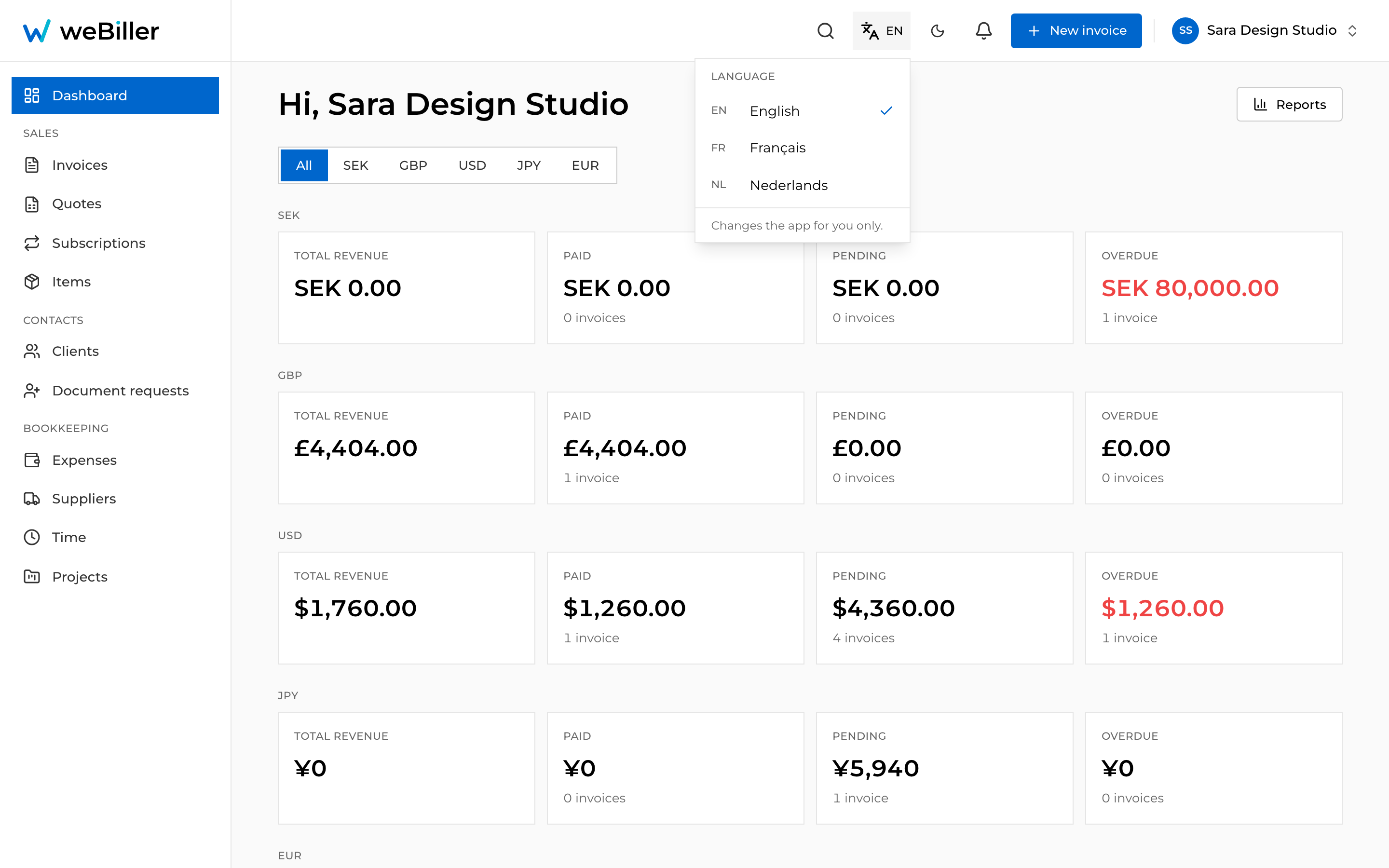
Only the active business is shown across the app. If something’s missing, check you’re in the right business (via the top-bar switcher).
Business details
Open a business to view and (if you’re the owner) edit its profile: logo, name, email, phone, address, website, tax/VAT ID, and payment instructions (the “how to pay” text shown to clients). Choose Save changes to apply.
Team members
A business can have more than one person. Team management is available when that business is the active one.
Make the business active
Switch to it first (weBiller prompts you if it isn’t active).
Add a member
Owners can Add member by email, choosing whether they join as a Member or an Accountant.
Change a role
Owners can switch anyone between Owner, Member, and Accountant from the role dropdown on their row.
Remove a member
Owners can Remove a member (with a confirmation). Your own row is marked You.
Three roles: Owner (full control), Member (day-to-day work), and Accountant (read-only: sees and exports everything, changes nothing). Full breakdown in Roles & permissions.
A business must keep at least one owner, so the last owner can’t be removed or demoted.