Multi-currency
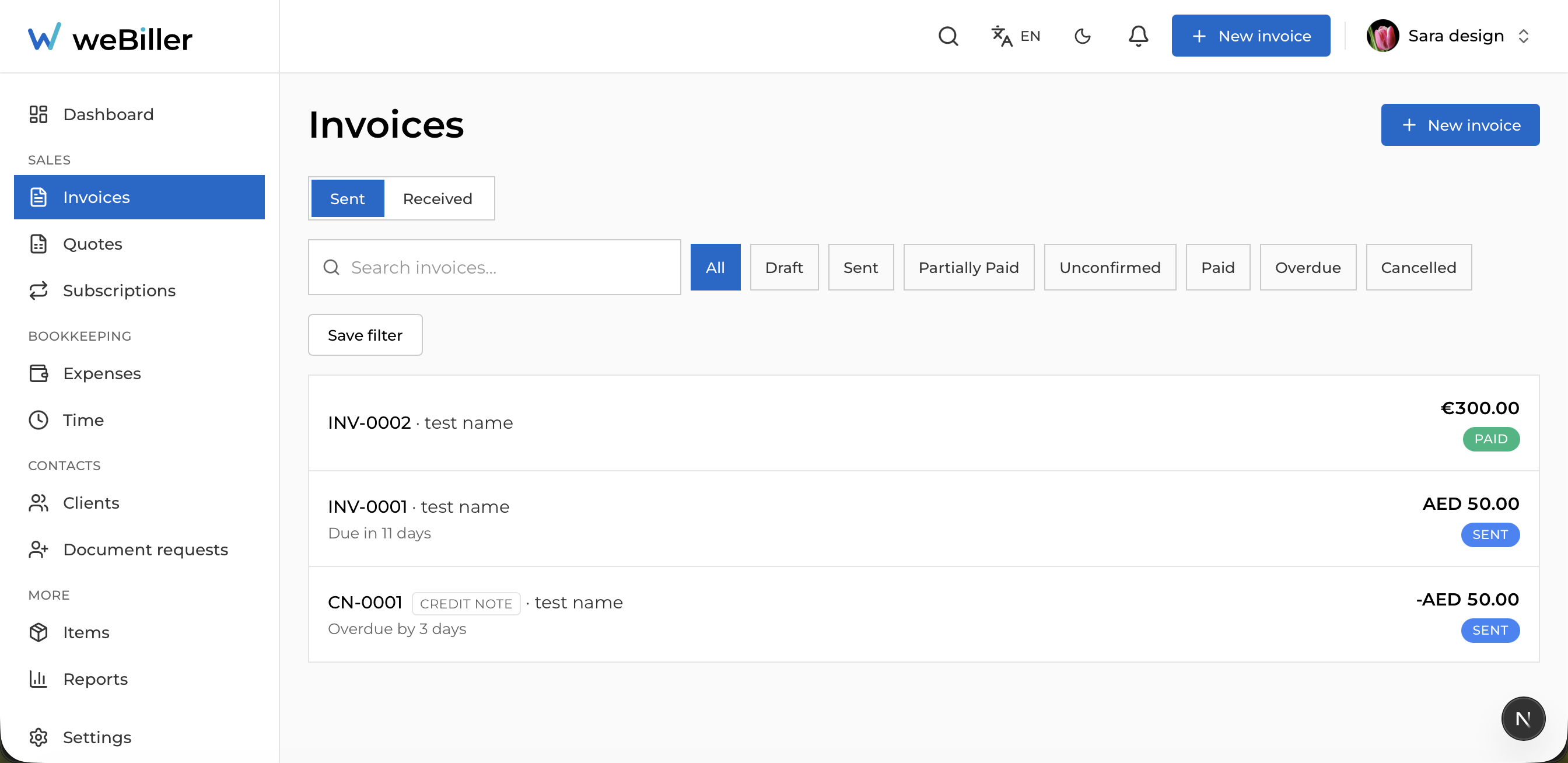
You can bill in 30+ currencies. Each invoice carries its own currency, and weBiller never converts or sums across currencies: a euro total and a yen total stay separate everywhere they appear.
Where the currency comes from
An invoice takes its currency from the first of these that’s set:
- The client’s default currency, if they have one.
- Your business default (Settings → Default currency).
You can change it on the invoice until you touch a line item; after that it locks, so totals stay consistent. See Confirm the currency.
Set the currency on the client rather than per invoice. Every invoice, quote, and subscription for them then starts in the right one.
Reading a client in their currency
A client’s stats are grouped under a heading per currency: invoice count, total billed, and outstanding, each kept apart.
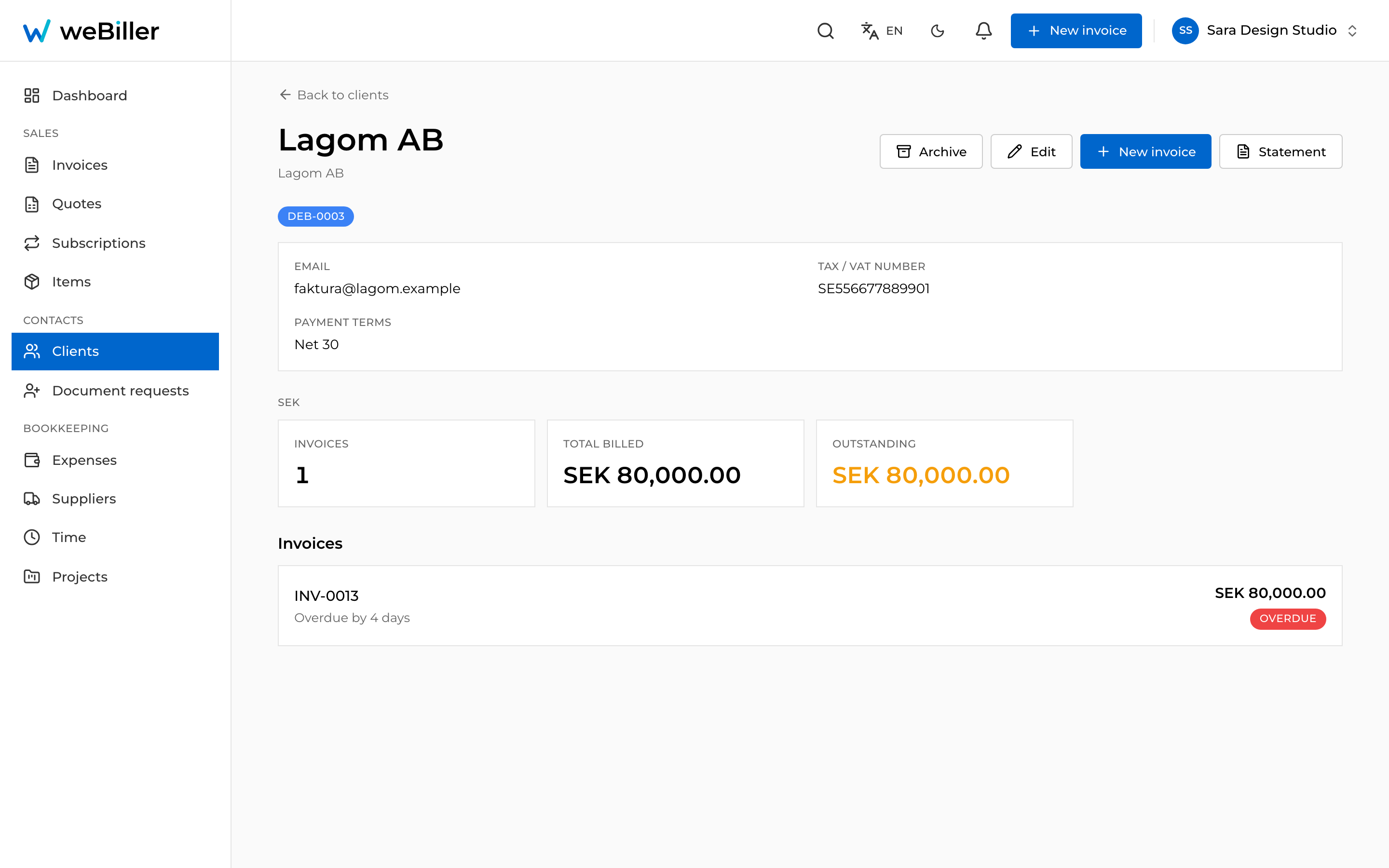
A client billed in more than one currency gets one block per currency, not a blended total.
VAT across borders
VAT is calculated and shown in the invoice’s own currency, with no conversion step. For a VAT-registered business in another EU country, the invoice carries the reverse charge treatment: no VAT is added, and the note explaining why is printed on the document.
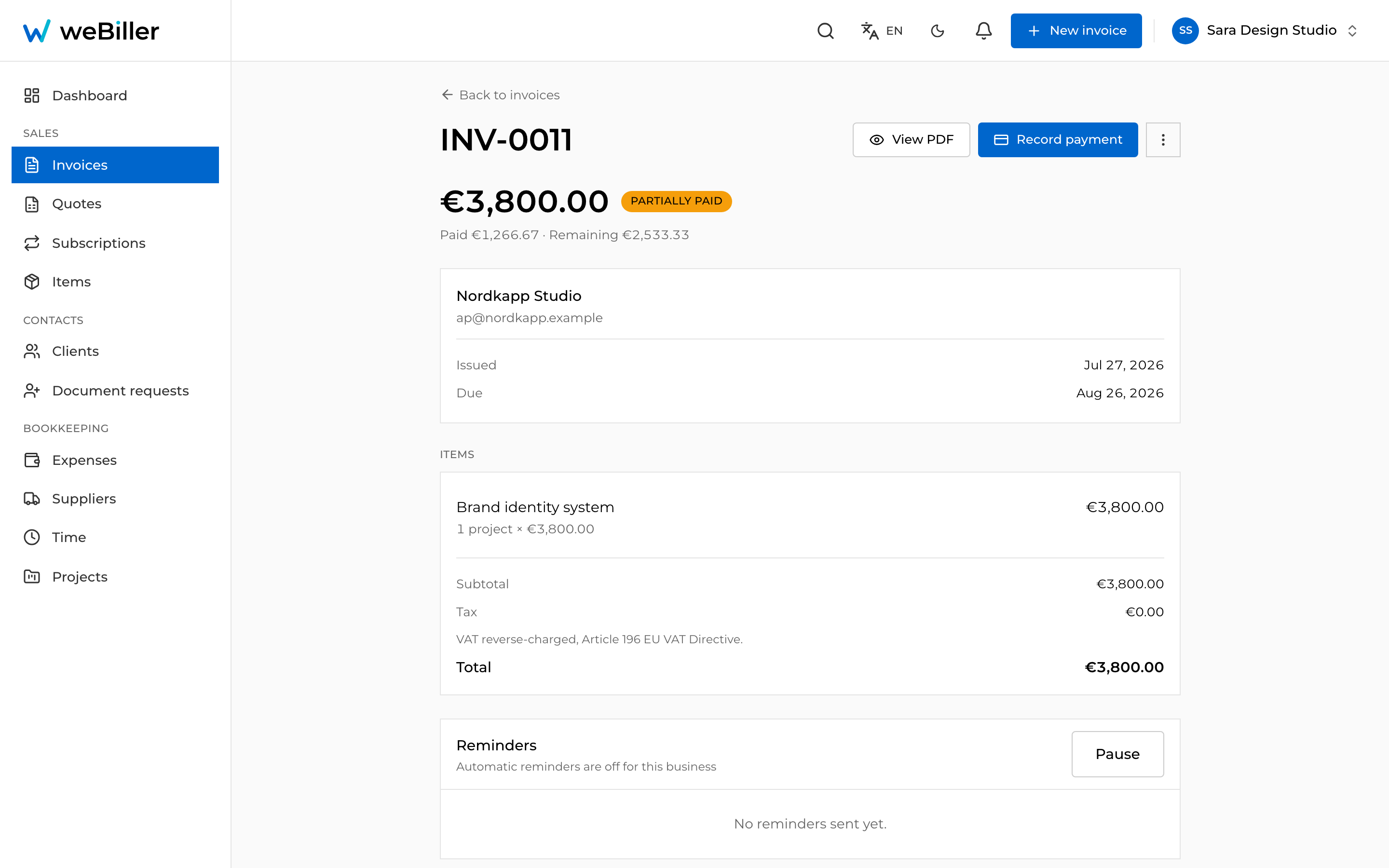
Full detail in VAT & tax.
Reports
Reports carry currency chips. Pick one and every figure on the page (revenue, profit, status breakdown, top clients) is that currency alone. A business billing in four currencies reads four reports, which is the only way the numbers mean anything without a conversion you didn’t ask for.
Because nothing is converted, there is no single “total revenue” across currencies. That’s deliberate: an exchange rate picked for you would be wrong by the time you read it.