Dashboard
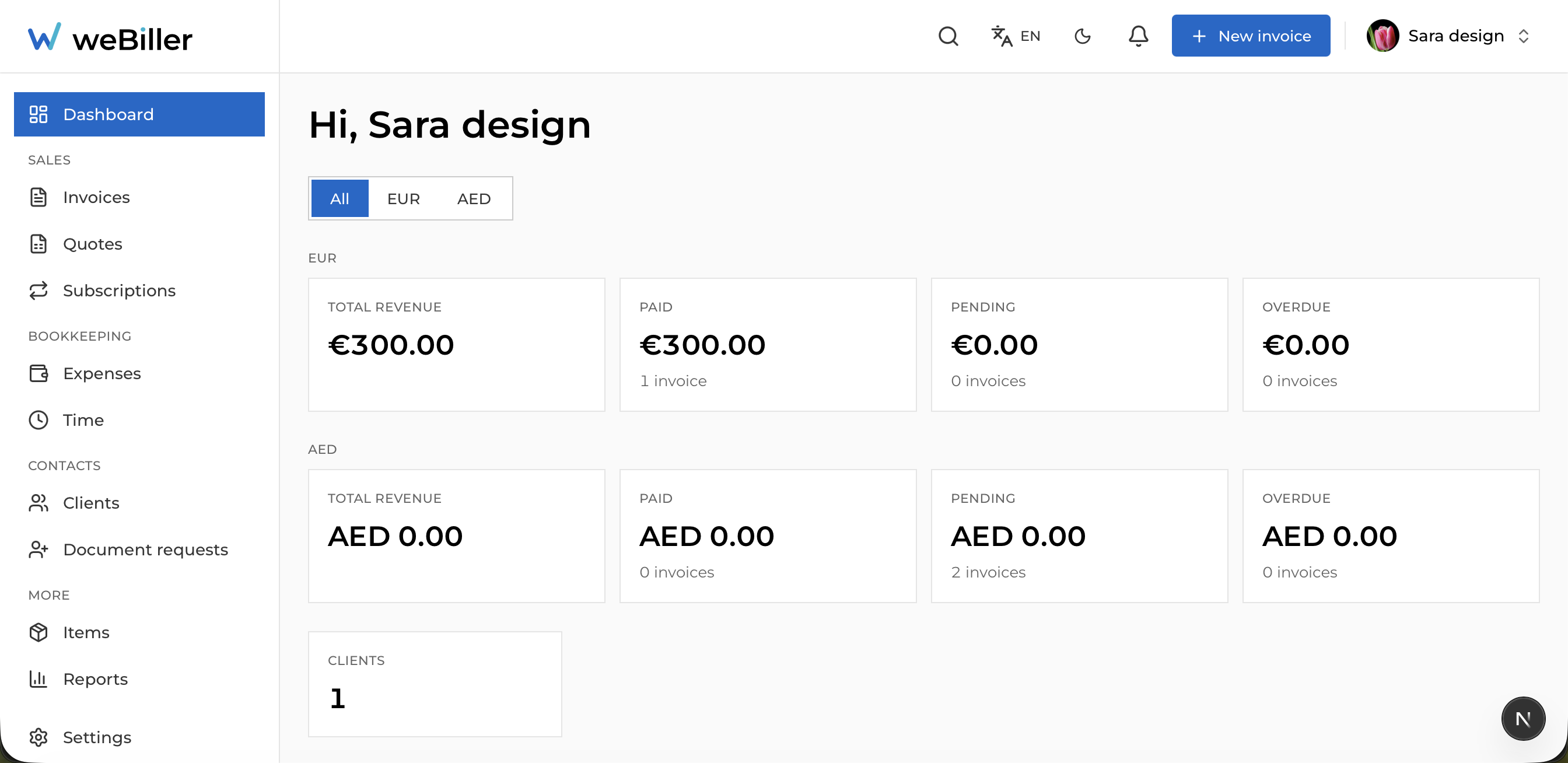
The dashboard is the first thing you see after signing in. It greets you by business name and summarizes how your business is doing.
What you can see here
- Money in: stat cards for Total revenue, Paid, Pending, and Overdue. The Overdue card links straight to your overdue invoices.
- Money out: To pay and Spent cards, linking to invoices other weBiller users sent you.
- Clients and Received inbox: quick jumps to your contacts and incoming documents.
- Recent activity: a feed of the latest changes; each row opens the related invoice.
If you invoice in more than one currency, a currency filter appears at the top so the totals stay meaningful. weBiller never adds different currencies together.
First time here?
If you haven’t created anything yet, the dashboard shows a Create invoice shortcut to get you going. Head to Invoices for the full walk-through.