Create your account
weBiller is free to start using. No credit card needed. You create an account with an email and password, confirm your email, and you’re in.
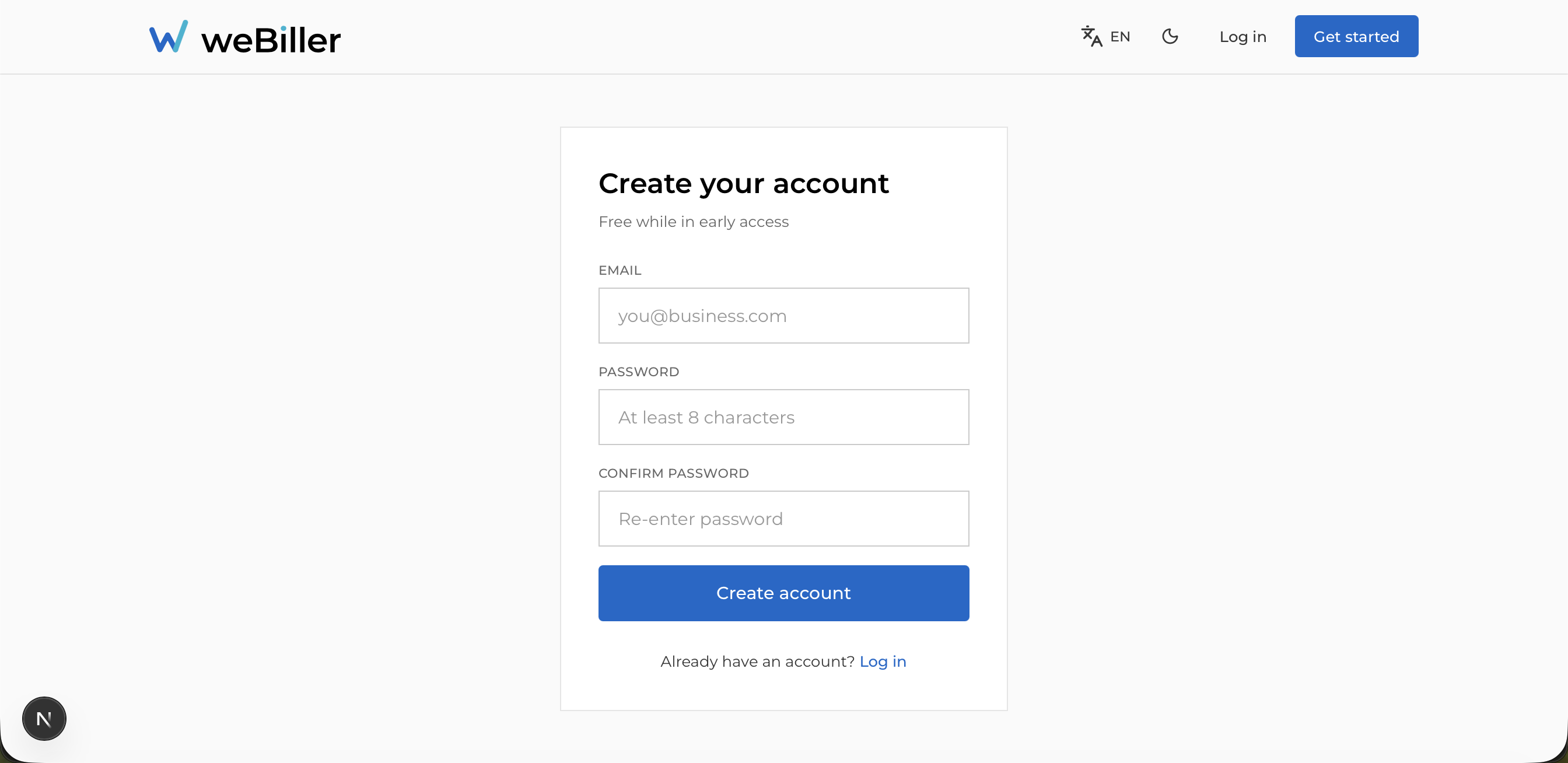
Sign up
Open the register page
From the landing page, choose Sign up (or go to /register).
Enter your details
Type your email, a password (at least 8 characters), and the same password again to confirm.
Confirm your email
After you submit, weBiller sends a verification email. You’ll land on a Check your email screen.
You can’t sign in until your email is verified. If the email hasn’t arrived, use Resend email on the verification screen and check your spam folder.
Verify and sign in
Open the link in the email, then return to the app and choose I’ve verified, log in.
Sign in
Go to the Log in page, enter your email and password, and continue.
- If your email isn’t verified yet, weBiller sends you back to the verification screen.
- If the email or password is wrong, you’ll see Wrong email or password.
Forgot your password
Open “Forgot password?”
On the login page, choose Forgot password?.
Request a reset link
Enter your email. For your security, weBiller always shows the same confirmation (“if an account exists…”) whether or not the address is registered.
Set a new password
Open the reset link from your email and choose a new password.
Managing your profile, changing your password while signed in, or deleting your account is covered in Account & security.
Next: First-time setup →