First-time setup
The first time you sign in, weBiller asks for a few basics so your invoices look professional right away. It’s deliberately short: one screen.
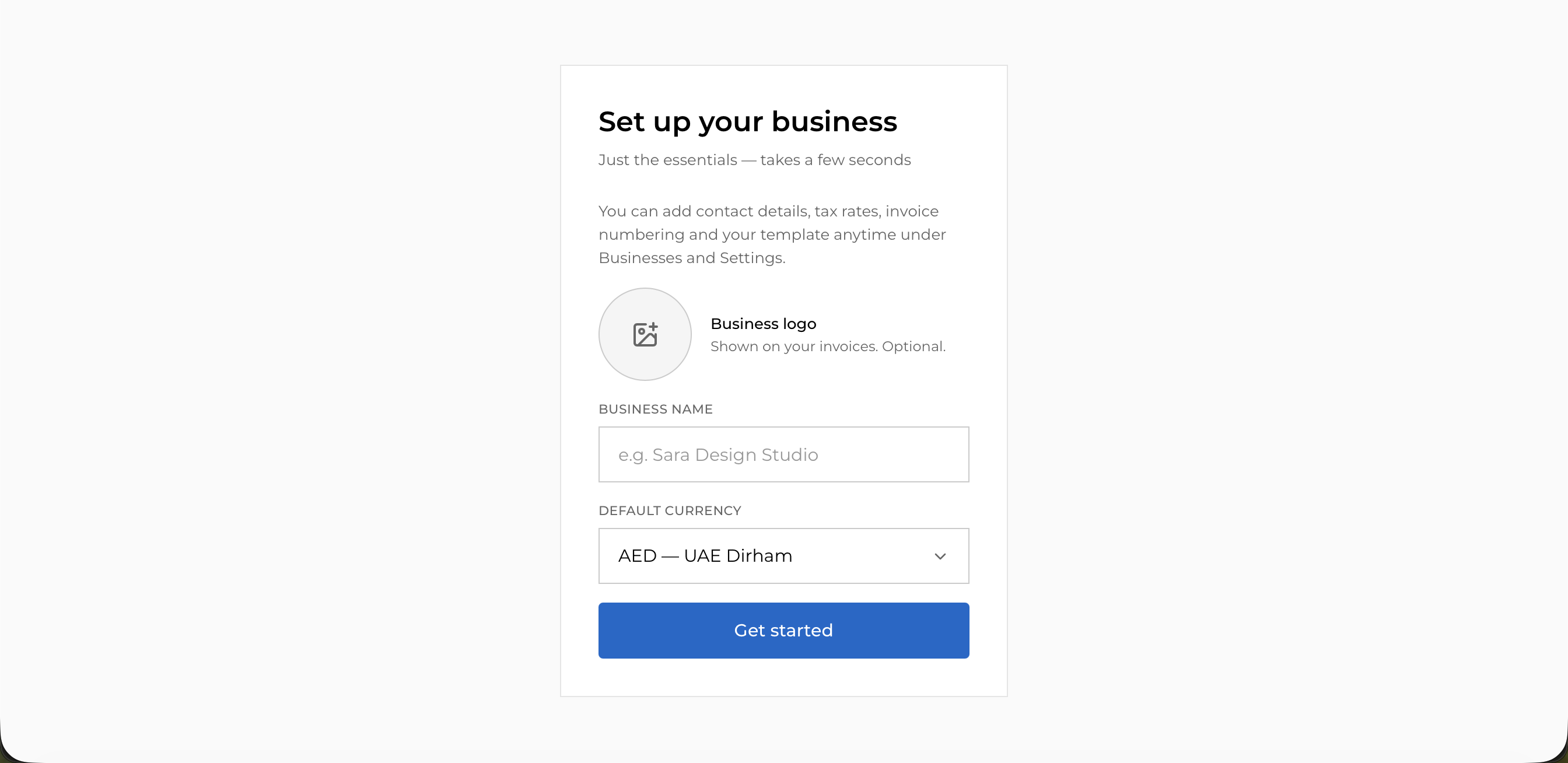
What you’ll set
- Logo (optional): appears on your invoices. You can add or change it later.
- Business name (required): shown on your invoices and as your greeting on the dashboard.
- Default currency: the currency new invoices start in. You can still pick a different currency on any individual invoice or client.
Add your business name
Type the name you invoice under.
Choose a default currency
Pick from the searchable list. weBiller supports the full set of world currencies.
(Optional) upload a logo
Add a logo now or skip it and add it later in Invoice template.
Get started
Choose Get started. weBiller saves your profile and opens the app.
You can change any of this at any time. Business details live in My businesses and invoice defaults in Settings.
Next: Around the app →